
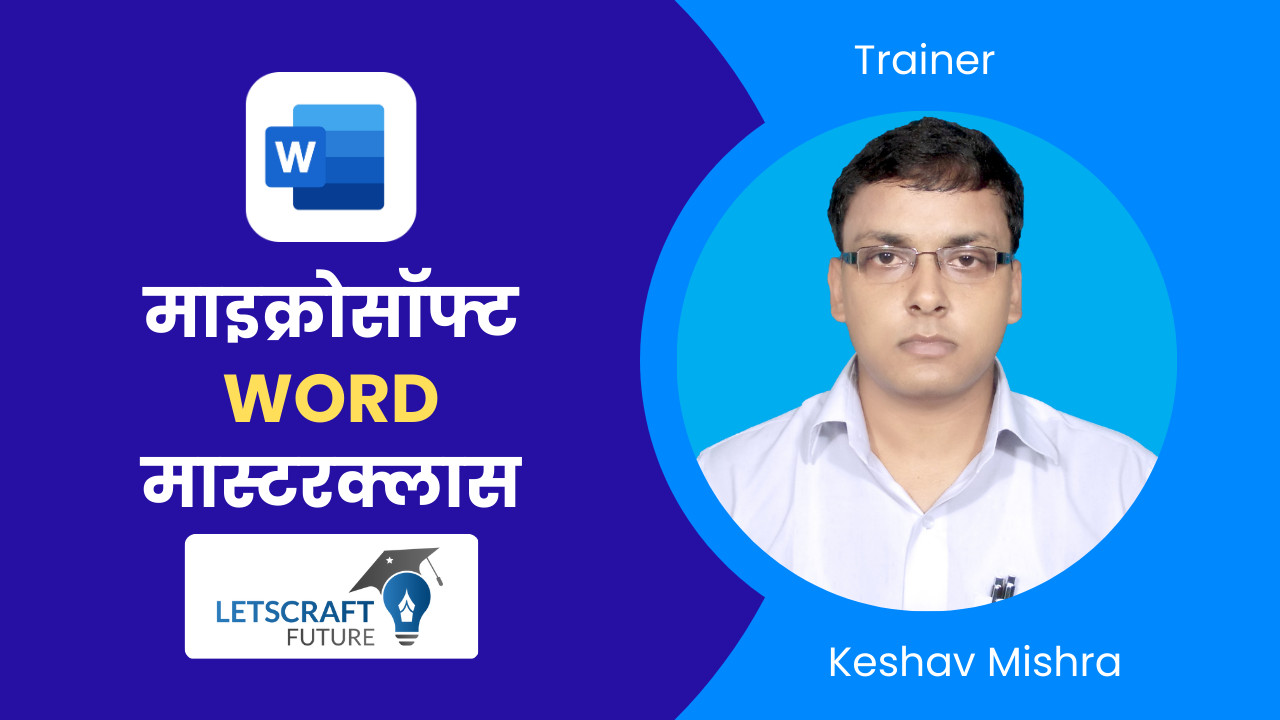

0101 Introduction to the Microsoft Word Course
0201 Creating a New Microsoft Word Document
0202 Introduction to the Microsoft Word Interface
0203 Working with the Microsoft Word Ribbon
0204 Microsoft Word's File Tab
0301 Entering Text in Your Word Document
0301 Entering Text in Your Word Document
0302 Editing Text in Your Word Document
0302 Editing Text in Your Word Document
0303 Navigating a Microsoft Word Document
0303 Navigating a Microsoft Word Document
0304 Selecting Text in Your Word Document
0304 Selecting Text in Your Word Document
0305 More Microsoft Word Keyboard Shortcuts
0306 Saving a Microsoft Word Document
0401 A Closer Look at the HOME TAB
0402 Creating Bulleted and Numbered List in Word
0403 Formatting Text in a Word Document
0404 Formatting with the Mini Toolbar
0405 Formatting Paragraphs in a Word Document
0406 Introduction to Microsoft Word Styles
0407 Creating Custom Microsoft Word Styles
0501 DOWNLOAD THIS FILE FIRST
0502 Working with Word Document Margins
0503 Adding Columns to a Word Document
0504 Working with Page Breaks
0505 Page Breaks and Columns Together
0506 Changing the Orientation of a Page
0507 Inserting Headers and Footers
0508 Working with the Page Background
0701 Understanding Word Tabs
0702 Setting Tabs in a Document
0703 Formatting Word Tabs
0704 Modifying Spacing of Word Tabs
0705 Removing Word Tab Stops
0706 Other Tab Stop Options
0801 Creating Tables in Word
0802 Adding and Deleting Rows/Columns
0803 Changing Height and Widths of Rows/Columns
0804 Word Table Merge Cells
0805 Creating Calculations in a Word Table
0806 Formatting Word Tables
0807 Formatting Table Borders
808 TableStyle
0808 Using Word Table Styles
0901 Using the HEADING Styles to Format a Document
0902 Create a Document Outline with Styles
0903 Reorder Document Content by Style
1001 Inserting Pictures from your Computer
1002 Adding Online Pictures to a Document
1003 Resizing Pictures
1004 Cropping a Picture
1005 Applying Picture Styles
1006 Working with Text Wrapping
1101 Adding Online Videos
1102 Video Options
1201 Understanding Microsoft Word Mail Merge
1202 The Mail Merge Data Source
1203 Creating Mailing Labels with Mail Merge
1204 Creating Form Letters with Mail Merge
1301 Understanding Microsoft Word Forms
1302 Introduction to the Word Developer Tab
1303 Designing a Form
1304 Working with Text Box Controls
1305 Working with Radio Button Controls
1306 Working with Combo Box Controls
1307 Working with Check Box Controls
1401 Understanding Word Templates
1402 Creating a Word Template
1403 Using a Word Template
1404 Making Edits to the Template
1501 Understanding Document Protection
1502 Protecting a Document from Edits
1503 Protecting a Word Form Document
1601 Introduction to Word Track Changes
1602 Enable Track Changes
1603 Making Changes to a Document
1604 Reviewing Changes
1605 Turn off Track Changes
1701 Preparing a Document for a Table of Contents
1702 Create the Table of Contents
1703 Formatting a Table of Contents
1704 Modify the Table of Contents
1801 Adding Footnotes to a Word Document
1802 Adding Endnotes to a Word Document
1803 Formatting Footnotes and Endnotes
1901 Adding Citation Sources
1902 Creating the Bibliography
1903 Changing the Style
2001 Managing Large Documents with Captions
2002 Adding Word Captions
2003 Inserting a Table of Figures
2004 Adding Cross-Reference Document Objects
2101 What is a Word Document Index
2102 Marking Entries for the Index
2103 Inserting the Index
2104 Making Updates to the Index
2201 Next Steps
Once you make the payment, you will receive the credentials from our team to attend the training. As It will be a live classroom training, you will need these credentials to join the training. You can attend this training from any device - Laptop, Desktop, Tablet, Mobile.
You can join this Course by making ONLINE PAYMENT HERE. You can also deposit Cash / Cheque / NEFT to below account :-
Bank :- PUNJAB NATIONAL BANK
A/c Name : "Extrosoft Technology Private Limited"
Current A/c No : 9229002100001408
IFSC Code : PUNB0922900
Branch : TEGHRA
UPI :- 9709059007@upi
As it will be an online classroom training, you can ask your queries in the same time as you do in a physical classroom training. You will really find it easy to learn and enjoy the training since they are designed with simple yet in-depth explanations.
We cover everything from basic to advanced level. We will start from basic level with STEP by STEP and slowly slowly move to the advanced level. You don't have to do any Microsoft Word course in future.
Absolutely NOT. Topics are explained through step by step process in a very simple language which is easy for students to understand and learn. You just need to have basic knowledge of computers.
This course is for those who are interested to learn various advance Word features. It will help the student to use advance Word features in an office environment with maximum efficiency .
Yes, On successful passing in MCQ Format online examination, you will get soft copy of the course completion certificate once you complete the course.
Once you complete your course, you can appear for Online Exams which are in MCQ format.
After completion of course you can start your own home/agency-based web design business.
If you don't get the value of your investment within 5 days of training completion just drop us a e-mail at letscraftfuture@gmail.com and I'll initiate the 100 % refund immediately. There is absolutely ZERO risk for you. All risk on me, nothing to loose for you. Just telling, there is absolutely zero refund request due to quality until now

Now I can develop websites with awesome designs!
I learnt Web Development from scratch. The tutorials and topics were well prepared, clearly explained, and easy to grasp.
I got placed in a company for the role of Web Developer! It was only because of the training content which helped me improve my skills.
Regular Fees ₹ 2400/-
(Offer ends on 15 April)
Training | Certification | Videos | Lifetime Support